AQUA Lending Guide
Turn real asset collateral into on-chain liquidity.

5 min.

Official Step by Step Guide by Ontorium
Turn real asset collateral into on-chain liquidity.
Introduction
AQUA is Ontorium's Financial Layer. It is a capital-efficient lending market built for real world asset collateral, starting with OXAU (1:1 LBMA-certified physical gold). As the Ontorium Asset Layer expands to support additional real world assets, AQUA's supported collateral will also expand accordingly.
AQUA allows OXAU holders to access on-chain liquidity without selling their gold. Deposit OXAU as collateral, borrow stablecoins, and put your assets to work, all on Arbitrum anytime. This guide walks you through Supply, Borrow, Repay, and Redeem functions.

Before Getting Started
1. Wallet Preparation
• EVM-compatible wallet (MetaMask, OKX Wallet, etc.)
• Arbitrum network added
• Small amount of ETH for gas fees
2. Funds Preparation
• OXAU on Arbitrum network
• If you don't have OXAU, mint first at oxau.ontorium.io
3. KYC Verification
• Complete KYC L1 (via Sumsub)
• Access is restricted without KYC approval
AQUA Step by Step Guide
Step 1. Access the Official AQUA Page
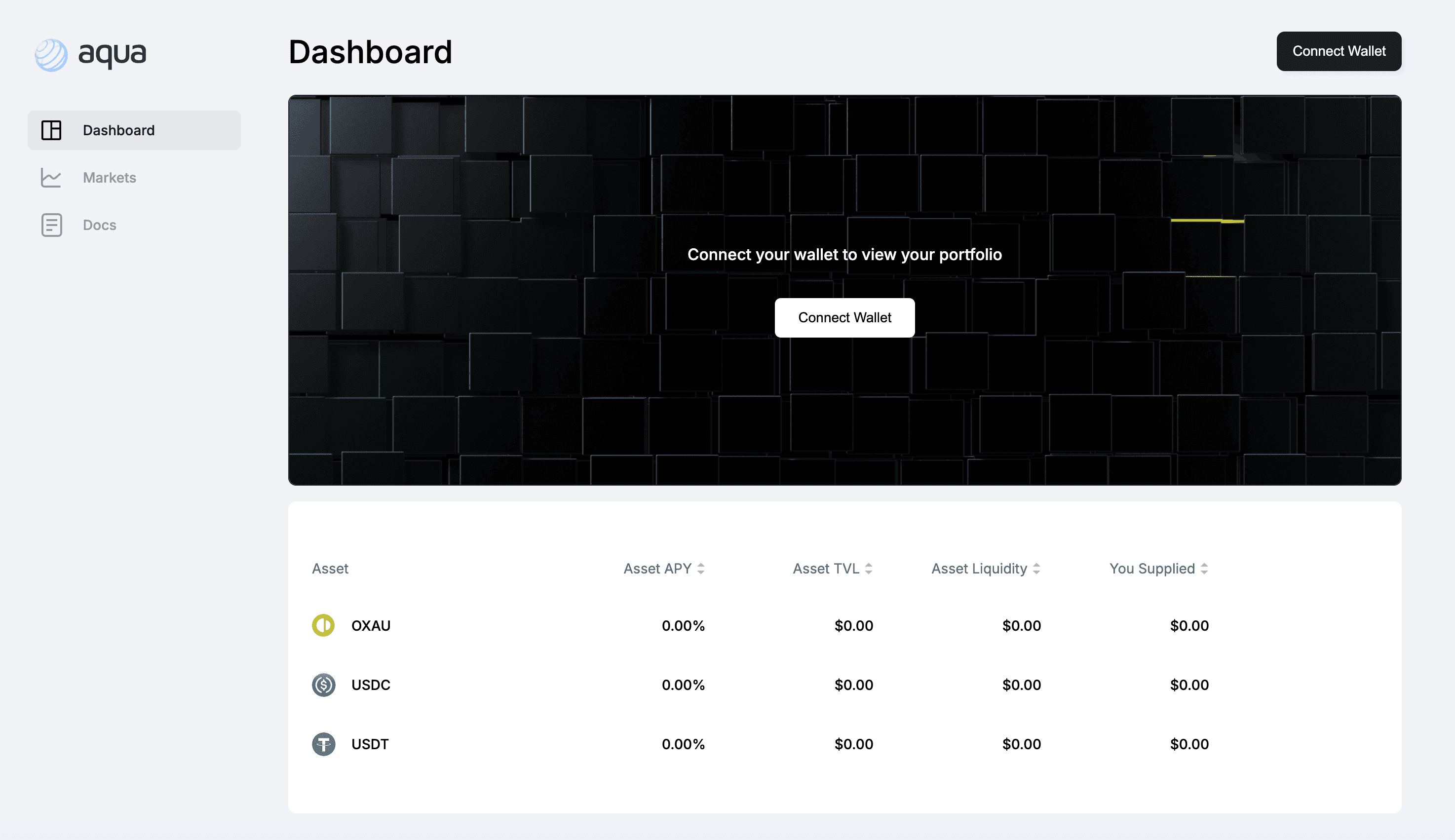
Link: https://aquafinance.io/
Always verify it is the official domain and beware of phishing sites.
Step 2. Connect Wallet
Click Connect Wallet → Select MetaMask or any EVM supported wallet → Confirm Arbitrum network.
Step 3. Select Pool & Check Conditions
Select OXAU, USDT, or USDC → Click Details.
Check the following in real-time:
• Supply APY and borrow rate (varies by utilization)
• OXAU Max LTV: 65%
• Liquidation Threshold: 75%
Step 4. Supply
Navigate to Assets to supply tab → Click Supply.
Enter amount → Click Approve and confirm in wallet.
Once Approve is complete, click Lend/Supply → Confirm transaction in wallet.
Supplied liquidity and collateral value will be displayed on screen.
Step 5. Borrow
Navigate to Assets to borrow tab and choose assets → Click Borrow
Enter the borrowed amount → Always check your Health Factor before proceeding.
Click Borrow → Confirm transaction in wallet.
Step 6. Repay
Navigate to Your borrows tab → Click Repay
Enter the repay amount or click Max → Approve and confirm in the wallet.
Remaining debt decreases upon completion.
Step 7. Withdraw
Navigate to Your supplies tab → Click Withdraw.
Enter withdrawal amount or click Max → Confirm transaction in wallet.
OXAU returns to your wallet upon completion.
Note: Repay outstanding debt before redeeming.
AQUA Conditions
Item | Details |
|---|---|
Supported Collateral | OXAU, USDT, USDC |
Borrow Assets | OXAU, USDT, USDC |
Max LTV | 65% |
Liquidation Bonus | 5% |
Price Oracle | Chainlink Data Streams |
Mainnet | Arbitrum |
Risk Management
Monitor your Health Factor at all times.
Recommended Practices
• Arbitrum network added
• Small amount of ETH for gas fees
Liquidation Warnings
• Health Factor below 1.0 triggers liquidation
• A 5% drop in gold price can significantly impact your Health Factor
• When collateral value exceeds Liquidation Threshold (75%), liquidation occurs at the 85% point
• Due to the 5% Liquidation Bonus, the liquidator takes 5% extra, which can increase your collateral loss
Risk Response Actions
• If Health Factor drops sharply, immediately add collateral or make partial repayment
• Supply additional assets if needed
• In a gold price downturn, maintain LTV at 40~45% or lower
Prevention Tips
• Simulate Health Factor before important transactions (assuming price fluctuations)
• Regularly check Your supplies and Your borrows on the Dashboard
All risks are the responsibility of the user.
Important Tips
• Always use the official site
• Double check URL before connecting wallet or approving transactions
• Never share your seed phrase
• Use hardware wallet for large volume usage
• Monitor Health Factor closely and act immediately if it drops
Official Links
• AQUA: https://aquafinance.io/
• Documentation: https://docs.ontorium.io